QR Codes for Flyers and Posters: A Practical Guide
2026-10-14
Here is a practical walkthrough of qr codes for flyers and posters, including how to measure whether it is working.
What is qr codes for flyers and posters?
The difference between a QR code that works and one that frustrates people is almost always preparation. QR Codes for Flyers and Posters is a small design decision with a large effect on whether people actually scan, and on what you learn afterwards.
Why qr codes for flyers and posters matter
- Send people to a landing page
- Measure which flyers work
- Collect leads
- Printed material becomes measurable, so you can compare channels
- You can fix a mistake without throwing away printed stock
How to set up qr codes for flyers and posters
- Decide what the scan should achieve - a menu, a sign-up, a download or a call.
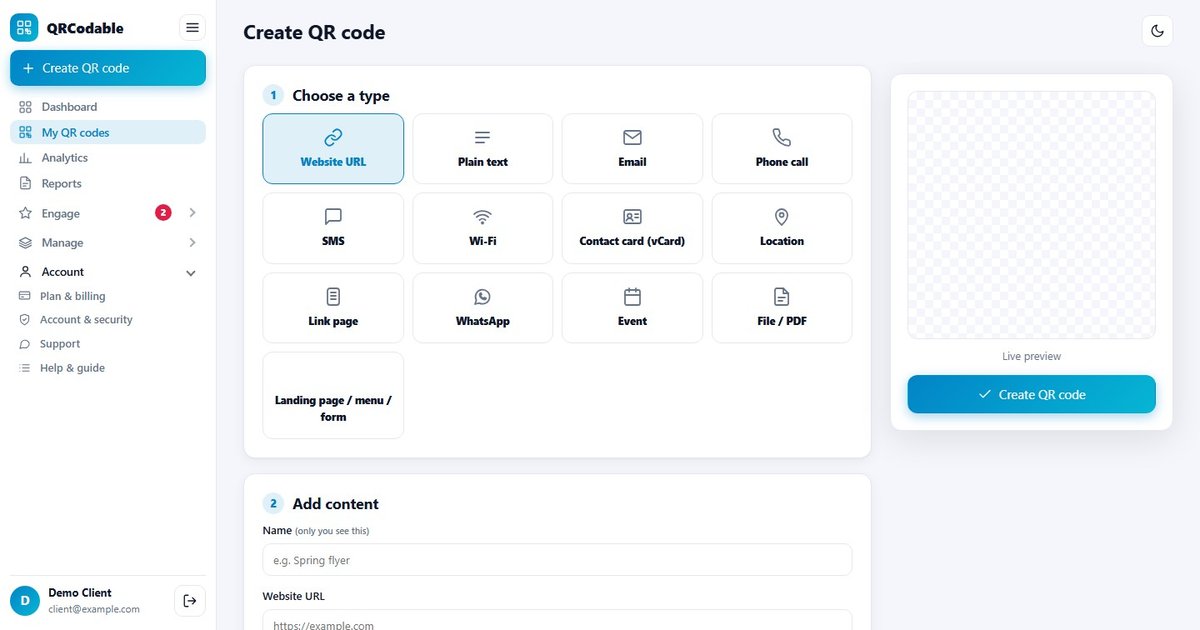
- Choose dynamic codes if the destination may change or you want scan data.
- Keep the destination page fast and mobile-first; most scans happen on a phone.
- Design for contrast and size: at least 2 cm x 2 cm for close-up print, larger for posters.
- Test with at least two phones and in the lighting where the code will live.
- Add a short call to action next to the code, for example "Scan for the menu".
Common mistakes
- Printing a code that points to a desktop-only page.
- Making the code too small, too low-contrast, or placing it on a curved surface.
- Using a static code when the destination will change.
- Forgetting to check the code again after a campaign ends.
- No tracking, so there is no way to know whether it worked.
Measuring results
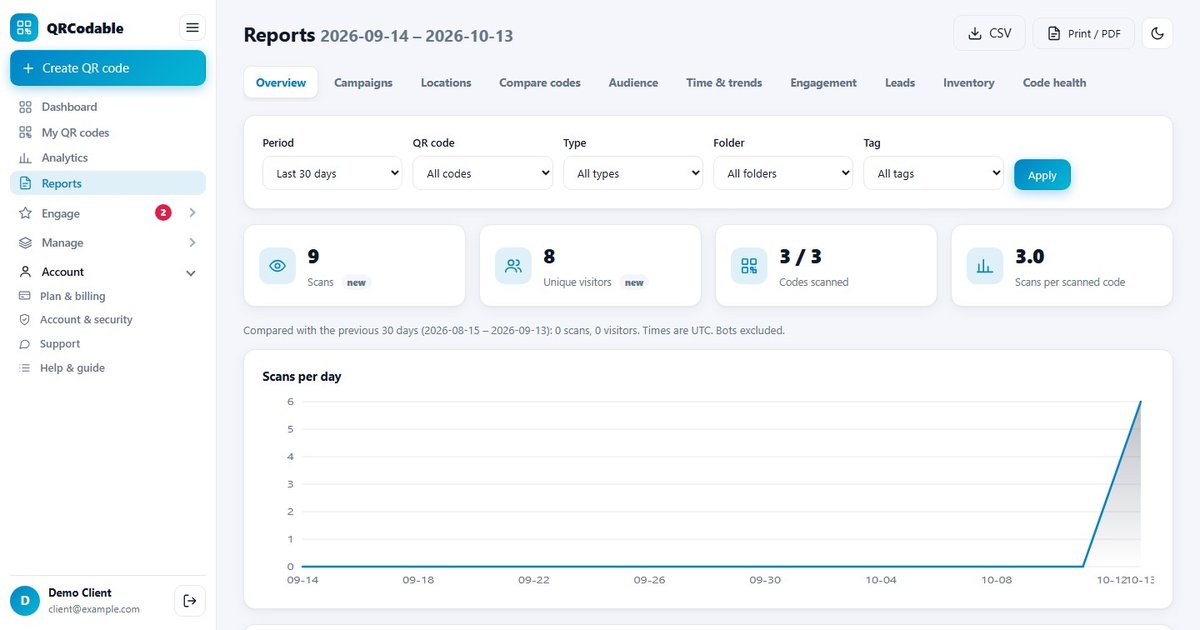
With dynamic codes you can see scans over time, unique versus repeat visitors, devices, countries and referrers. Compare campaigns against each other and move budget to what works.
How QRCodable helps
QRCodable creates dynamic QR codes you can edit after printing, with real-time analytics, custom colours and a logo, landing pages, bulk import and a full REST API. See the features or check pricing - you can start free and upgrade when you need analytics.
Frequently asked questions
Do QR codes expire?
Static codes never expire because the data is stored in the code itself. Dynamic codes depend on your account, so keep a plan active for codes you have already printed.
Are QR codes free to create?
Yes - you can generate static codes for free. Dynamic codes, which can be edited and tracked, usually need an account.
How big should a QR code be?
A common rule is 1:10 - the code should be about one tenth of the distance from which it will be scanned. For a phone at arm's length, 2 cm is the practical minimum.
Can I put my logo in the middle?
Yes, as long as you keep error correction high enough and test the result. QRCodable checks contrast so the code still scans.
Ready to try it? Create your first dynamic QR code free at qrcodable.com.