QR Codes on Product Packaging and Labels: A Guide
2026-11-04
Short answer: A QR code on packaging should link to something the buyer needs after purchase, such as instructions, ingredients, a warranty form or a reorder page. Print it at least 2 cm wide on a flat panel with a four-module clear margin. Use a dynamic code, so the destination can change during the product's shelf life and you can see where and when customers scan.
Last updated: 13 November 2026
Packaging is the one piece of marketing that goes home with the customer and stays there. A QR code on the box, bottle or label connects that physical product to content you can update. This guide covers what to link to, how to size and print the code on real packaging materials, how to organise codes across SKUs and batches, and what the retail industry's move to 2D barcodes means for you.
Why put a QR code on product packaging?
- More information than the label can hold. Instructions, recipes, ingredient details, safety data sheets or a setup video.
- Content that can change. Packaging is printed months before it's opened. A dynamic code lets the destination change, for example from launch content to support pages or a new offer.
- A direct line to the customer. Warranty registration, reorders, subscriptions and reviews, without needing a retailer in between.
- Insight into real-world use. Scan data shows when and in which countries and cities products are opened and used.
What should a packaging QR code link to?
Match the destination to what the buyer wants at that moment, usually right after opening:
- How-to and setup: assembly steps, a 60-second video, troubleshooting.
- Product information: full ingredients, allergens, materials, care instructions, certificates.
- Warranty or product registration: a short form that collects the details you need.
- Reorder or refill: straight to the product page, or a subscription.
- Recycling and disposal: how to recycle each part of the pack locally.
- Reviews and community: a review page, a social channel or a newsletter.
Keep one main purpose per code and say it next to the code. "Scan for setup video" gets more scans than an unlabelled code.
QR codes vs UPC barcodes: what is GS1 Sunrise 2027?
GS1 US describes Sunrise 2027 as a retail industry transition from traditional 1D UPC barcodes to 2D barcodes, like QR codes. The aim is for retailers' point-of-sale systems to read 2D codes, and for brands to share more information with consumers. The 2D codes used for this follow GS1 standards, such as GS1 Digital Link, which encode the product's GTIN so a checkout scanner can identify the item.
What this means in practice:
- A marketing QR code (like a QRCodable dynamic code) is a short link for consumers. It's not a replacement for your UPC/EAN barcode, and it doesn't carry a GTIN that a checkout can read.
- If you want one code that works at the checkout and for consumers, talk to GS1 or your retailer about GS1 Digital Link.
- Until then, most brands print both: the retail barcode for the checkout and a clearly labelled QR code for customers.
GS1 US reports from a 2025 consumer survey that 79% of consumers are more likely to buy products with a scannable QR code that gives more product information. That's GS1 US's figure, not ours. The source is listed below.
How big should a QR code be on packaging?
Packaging is scanned close up, usually 15-30 cm away, so the codes can be small. Small codes are less forgiving, though.
- Minimum size: about 2 x 2 cm for a short dynamic link. Go bigger if the pack has space.
- Quiet zone: DENSO WAVE, the inventor of the QR Code, requires a clear margin four modules wide on every side. Keep panel edges, seams and other graphics out of it.
- Short data: dynamic codes hold a short link, so the pattern has fewer, larger modules than a static code holding a long URL.
- Error correction: DENSO WAVE describes four levels (L, M, Q, H). Higher levels survive scuffs and dirt better but make the pattern denser. Level M is the most common. Consider Q or H for packs that get handled roughly, and test at your chosen size.
How do you print QR codes on packaging so they scan?
- Use a flat panel. Codes that wrap around a tight curve, like a small bottle or a can, distort. Place them on the flattest part, or keep them small relative to the curve.
- Use a dark code on a light background. Black or very dark ink on white or a light substrate. Metallic, holographic and transparent materials need a printed white underlay behind the code.
- Avoid seams, folds and glue flaps. A crease through the code can stop it scanning.
- Use vector artwork. Supply the code to your packaging printer as SVG or PDF. Don't use a scaled-up PNG.
- Plan for print spread. On flexographic and other high-speed presses, ink can spread. Ask your printer for test prints at the final size and scan them.
- Test the real pack. Scan printed samples with iPhone and Android phones, under shop lighting and at home, including through any shrink-wrap or film.
Should you use one QR code per product, per batch or per unit?
- One code per SKU: setup is simple. It's best for instructions, product info and reorders. Tracking shows scans per product line.
- One code per batch or lot: setup is moderate. It's best for batch-specific information, recalls and freshness details. Tracking shows scans per production run.
- One code per unit (serialised): the most setup. It's best for warranty registration, authenticity checks and limited editions. Tracking shows scans per individual item.
QRCodable supports all three. Bulk generation creates many codes at once from an Excel or CSV file, a serial generator numbers them, and each code can carry SKU, batch and serial fields. Group codes with folders, for example by product line or market.
How do you track scans from packaging?
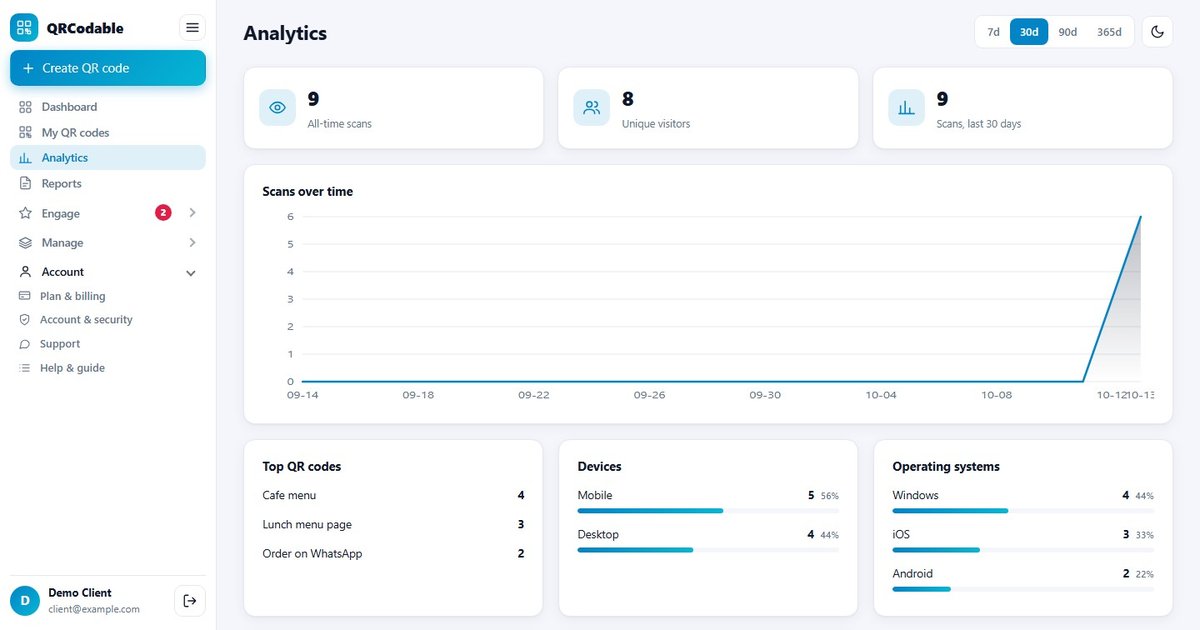
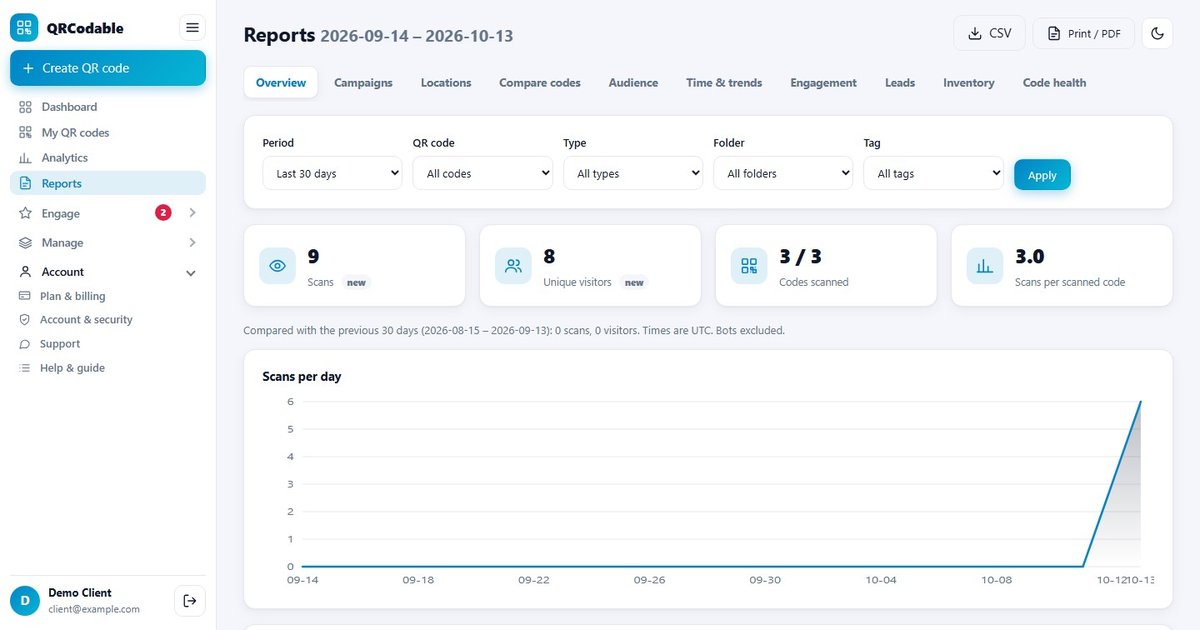
Each dynamic scan is logged with the date, time, device, operating system, country and city. On packaging this helps you answer:
- When are products opened and used? A spike of setup-video scans in the evening could suggest your instructions need work.
- Where are products being used? Country and city data can show markets you didn't target directly.
- Which product lines get the most scans? Compare SKUs in one dashboard.
- What happens after the scan? Add UTM tags (for example utm_source=packaging, utm_medium=qr, utm_campaign=product_x) to see reorders and registrations in Google Analytics 4. See our QR code tracking and GA4 guide.
You can also send scans and form submissions to other tools with Zapier, Make, webhooks or the REST API.
How to add a QR code to your packaging, step by step
- Choose the purpose for each code: setup, info, warranty, reorder or recycling.
- Build the destination. A mobile page on your site, or a QRCodable landing page or form if you don't want to build one.
- Create a free account and make a dynamic code. For many SKUs or serials, use bulk generation.
- Add a call to action to the artwork, for example "Scan for setup video".
- Place it on a flat panel, at least 2 cm wide, with its quiet zone, away from the retail barcode so checkout staff don't scan the wrong one.
- Get printer proofs and scan them on the real substrate.
- Approve the run, then check scans in the dashboard when stock reaches customers.
- Review regularly and update destinations as the product moves through its life.
Common packaging QR code mistakes
- Static codes on long-life packaging. The URL outlives the campaign, and every pack becomes a dead link.
- Linking to the homepage. The buyer wants setup help or product details, not your homepage.
- Codes on curves, seams or shiny film that won't scan reliably.
- No call to action, so customers don't know what scanning gives them.
- Confusing the QR code with the retail barcode. Keep them visibly separate, unless you've implemented GS1 Digital Link with your retailer.
- Not checking destinations after a website redesign. A dynamic code lets you fix this in minutes.
Frequently asked questions
What should a QR code on packaging link to?
Link to what the customer needs after buying: setup instructions or a video, full product and ingredient information, warranty registration, a reorder page or recycling guidance. Give each code one clear purpose and say what it is next to the code, for example "Scan for setup video".
How small can a QR code be on a product label?
Around 2 x 2 cm is a practical minimum for a short dynamic link scanned close up, plus a clear margin of four modules on every side. Larger is more reliable, especially on textured, curved or glossy materials. Always scan printed proofs at the final size before approving a run.
Can a QR code replace the UPC barcode on packaging?
Not a standard marketing QR code. Retail checkouts need a GS1 identifier (GTIN). Under GS1's Sunrise 2027 transition, 2D codes built to GS1 standards, such as GS1 Digital Link, can carry the GTIN for checkout and also link consumers to information. Ask GS1 or your retailer before removing a UPC.
Should packaging use static or dynamic QR codes?
Dynamic, in most cases. Packaging is printed in large runs and stays in homes for months or years, so the destination will probably need to change. A dynamic code lets you update it without reprinting and records scan analytics. Use static only for content that never changes.
Can I track how many customers scan my packaging?
Yes, with a dynamic QR code. Each scan is logged with the time, device, and approximate country and city. With one code per SKU or batch, you can compare product lines. Adding UTM tags shows reorders and registrations in Google Analytics 4.
Related guides
- QR codes on product packaging: use-case guide
- Static vs dynamic QR codes
- QR code campaigns: how to plan and measure them
- All QR code use cases
Designing new packaging? Start free with 5 dynamic QR codes, or make a quick static code with the free QR code generator.
Sources and notes
- GS1 US, "What is GS1 Sunrise 2027?" (gs1us.org/industries-and-insights/by-topic/sunrise-2027) - industry move from 1D UPC to 2D barcodes, and the 2025 GS1 US consumer survey figure (79%). Checked 13 Nov 2026.
- DENSO WAVE, "Point for determining the code area" (qrcode.com/en/howto/code.html) - four-module quiet zone.
- DENSO WAVE, "Error correction feature" (qrcode.com/en/about/error_correction.html) - levels L, M, Q, H, with M the most frequently used.
- Minimum sizes are practical recommendations, not a standard. Test on your actual substrate and press.