QR Code Menus for Restaurants: Setup Guide
2026-11-01
Short answer: To set up a QR code menu, put your menu online as a mobile page or PDF, create a dynamic QR code that points to it, and print the code on table tents, the door and takeaway bags, with a line like "Scan for the menu". Because the code is dynamic, you can update prices and dishes at any time without reprinting.
Last updated: 13 November 2026
QR code menus are now a normal part of eating out. Guests scan at the table, read the menu on their phone and order at their own pace, and you update the menu without a print run every time a price changes. This guide walks through choosing a menu format, creating the code, printing and placing it, and measuring what happens after the scan.
What is a QR code menu?
A QR code menu is a printed QR code that opens your restaurant's menu on a guest's phone. Most current iPhone and Android phones read QR codes straight from the camera app, so guests don't need to install anything. The code points to a menu page, a PDF or an ordering page. With a dynamic QR code, you can change that destination whenever you need to.
Which menu format should you use?
There are three common ways to host the menu behind the code:
PDF menu
- Setup: upload the file you already have.
- On a phone: guests pinch and zoom, and text is often small.
- Updating: upload a new PDF.
- Best for: a quick start or a short, stable menu.
Hosted menu page (mobile web page)
- Setup: enter sections, dishes and prices once.
- On a phone: easy to read and scroll, sized for the screen.
- Updating: edit a single dish or price.
- Best for: most restaurants, cafés and bars.
Online ordering page
- Setup: through your POS or ordering provider.
- On a phone: guests can order and pay.
- Updating: in the ordering system.
- Best for: venues that want table ordering.
With QRCodable you can do the first two without a website. Upload a PDF as a file QR code, or build a hosted menu landing page with your items, buttons and an image. If you already use an ordering system, point a dynamic code at its link.
How to create a QR code menu, step by step
- Prepare the menu content. Dish names, short descriptions, prices, and allergen and dietary notes. Check the allergen information you're required to give where you operate.
- Choose the format. Hosted page (recommended), PDF, or your ordering link.
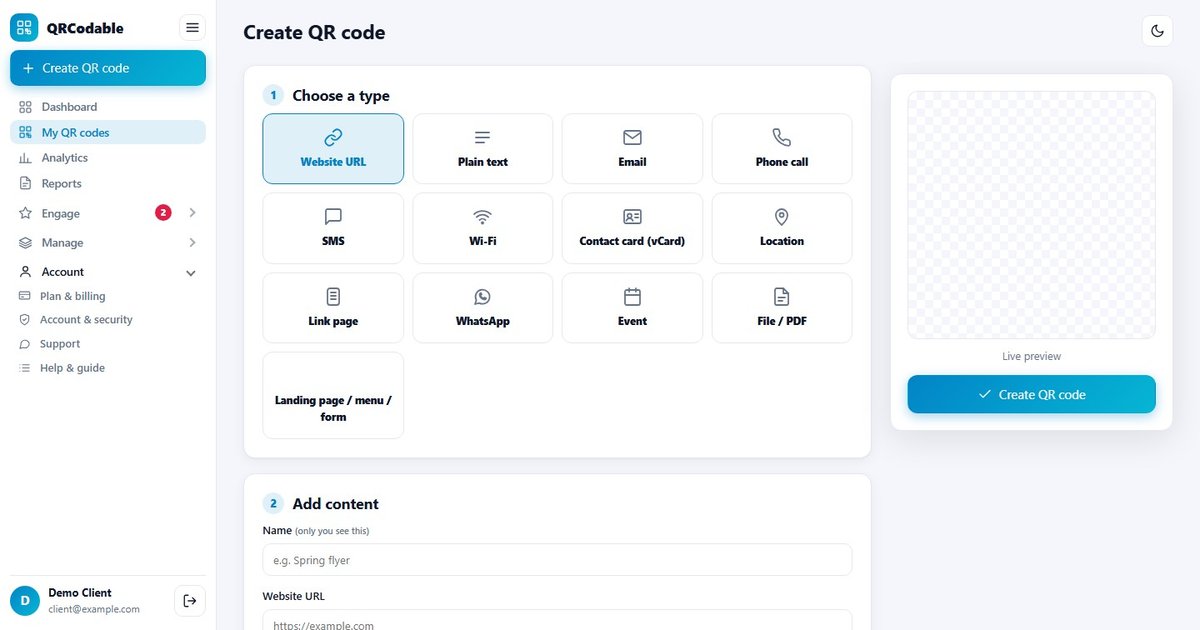
- Create a free account and choose a menu landing page, a file (PDF) code, or a URL code for an ordering link.
- Make it dynamic. Menu pages and file codes are always dynamic in QRCodable. For URL codes, keep the dynamic option on so you can change the menu later without reprinting.
- Add your branding. Logo and colours, kept dark enough to scan. Test any design before printing.
- Download SVG or PDF for print, or PNG for digital use.
- Test with an iPhone and an Android phone, at the table, in the restaurant's real lighting, including evening light.
- Print and place the codes (see below), then check the scan dashboard on the first service day.
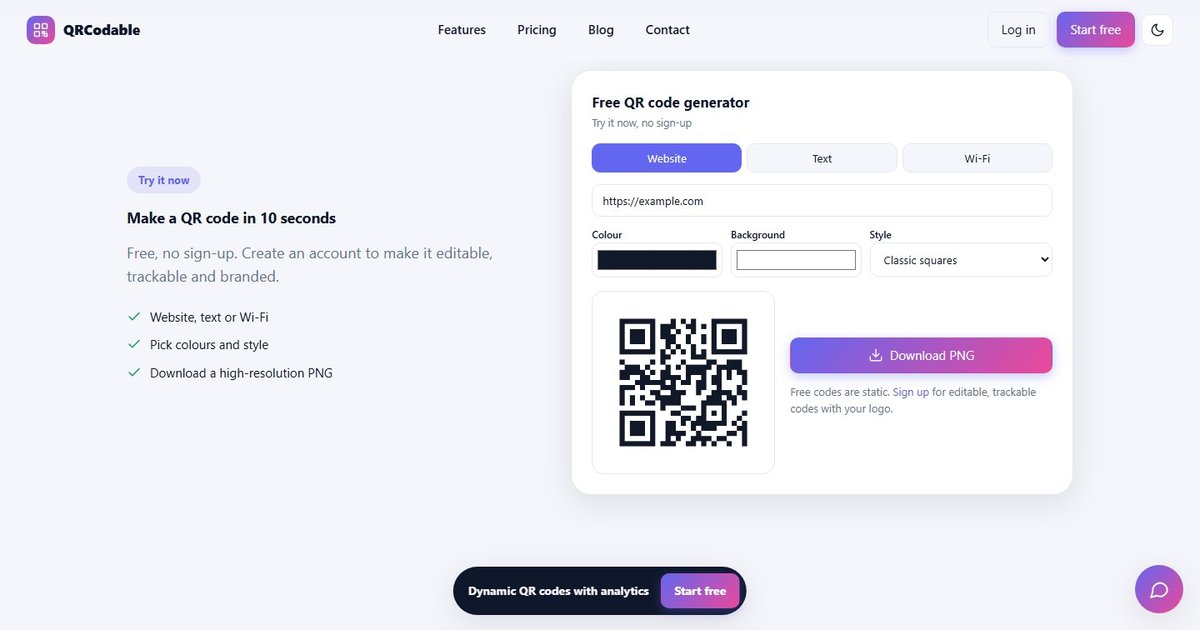
Do you only need a quick code for a menu link that will never change? The free QR code generator makes a static code with no sign-up. Just remember that a static code can't be redirected later.
Where should restaurants place menu QR codes?
- Table tents or stickers on every table. This is the main placement. Put the code at eye level when seated, not flat in the middle of a large table.
- Front door or window. Passers-by can read the menu before they walk in.
- Bar counter and waiting area. For guests who order at the bar or wait for a table.
- Takeaway bags, boxes and receipts. Link to the takeaway menu or your ordering page for the next order.
- Delivery inserts. A code on a card in the bag can link to direct ordering or a review page.
Want to know which placements work? Give each placement its own code, or group codes by location (for example "Table tents - main room" and "Window"). Then compare scans.
What size should a menu QR code be on a table tent?
A guest at a table scans from about 30-40 cm away. A code of 3-4 cm is comfortable, and 2.5 cm is the practical minimum. Keep a clear margin around the code. The QR Code inventor, DENSO WAVE, specifies a quiet zone four modules wide on every side. Window signs scanned from the pavement need to be much larger, roughly 15-20 cm for a scan from 1.5-2 m.
Other print tips for restaurants:
- Laminate with a matte finish. Gloss reflects overhead lights and candles.
- Use a dark code on a light background. Avoid low-contrast brand colours.
- Add a call to action such as "Scan for the menu", "Scan to order" or "Scan for today's specials".
- Print a few spares. Table tents get stained and bent.
What should a restaurant QR menu page include?
- Sections in the order guests decide: starters, mains, desserts, drinks.
- Prices on every item, kept up to date. This is the main benefit of a dynamic menu.
- Allergen and dietary labels (vegetarian, vegan, gluten-free) where relevant.
- Opening hours, Wi-Fi details and a phone number.
- Optional buttons: call a server, leave a Google review, join the newsletter, book a table.
- Large, readable text with no horizontal scrolling. Many guests scan in dim light.
Should you still keep printed menus?
Yes. Keep at least a few printed menus. Some guests don't have a smartphone or a charged battery, some have visual impairments, and some simply prefer paper. A QR menu works best as a convenient default, not the only option. Staff should offer a printed copy without the guest having to ask twice.
How do you measure a QR code menu?
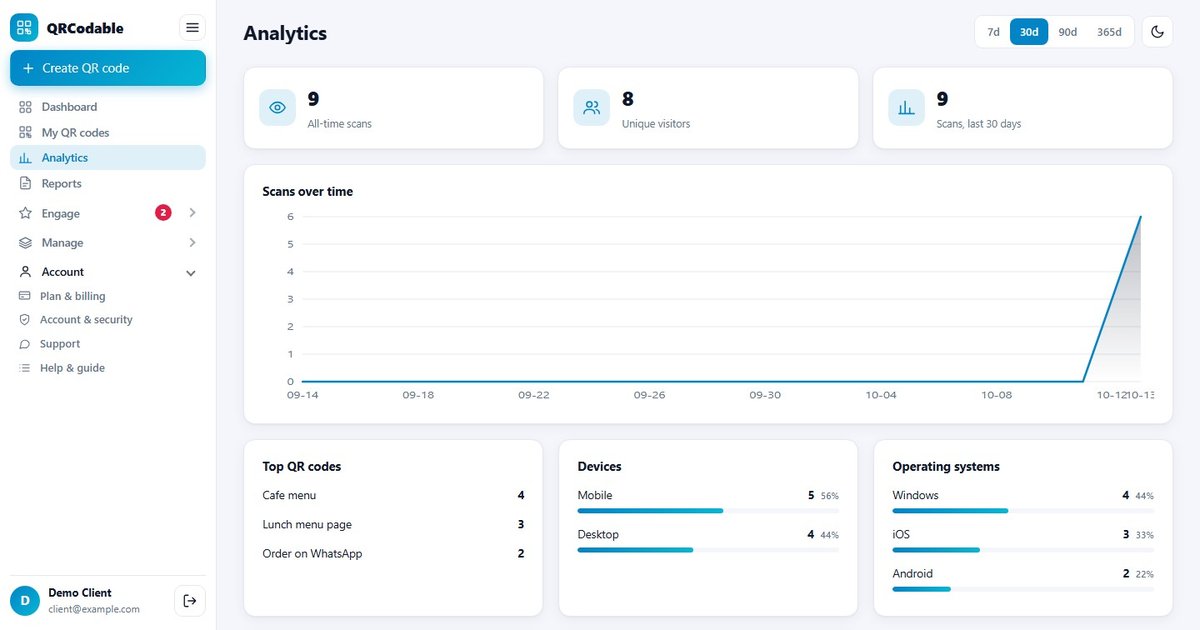
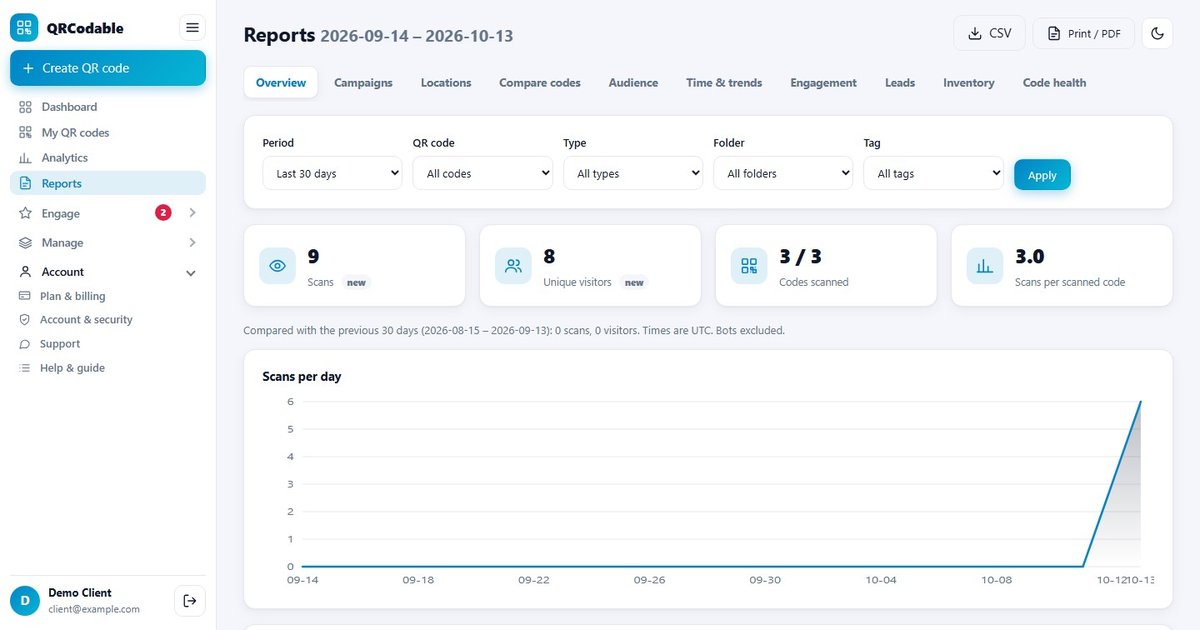
Dynamic QR codes record each scan with the time, device, and country and city, so you can see:
- Peak times. Which hours and days get the most menu scans, useful for staffing.
- Placement performance. Table tents compared with the window or takeaway bags.
- Visitors from abroad. Country data can hint at international guests, for example phones roaming on a foreign network, which may justify a translated menu.
- Campaign results. Use UTM tags on a special-offer code and check the results in Google Analytics 4. See our QR code tracking and GA4 guide.
Other QR codes worth adding in a restaurant
- Wi-Fi QR code. Guests join the network without asking staff for the password. See the Wi-Fi QR code guide.
- Google review QR code. Put it on the bill folder or receipt. See QR codes for Google reviews.
- Feedback form. A short form on a landing page, with answers collected in your inbox and optional Slack or Teams alerts.
- Events and bookings. Live music nights, set menus and private dining enquiries.
How do customers scan a QR code menu?
Guests open the phone's camera app, point it at the code for a second, and tap the link that appears. On iPhone this is built into the Camera app. Most Android phones support it in the camera app or through Google Lens. If a code won't scan, the usual causes are glare, a code that's too small, low contrast, or a damaged table tent. Our guide to scanning QR codes in restaurants covers this from the guest's side.
Common QR menu mistakes
- Using a static code for the menu. The first price change means reprinting every table tent.
- Linking to a huge, desktop-sized PDF that loads slowly on restaurant Wi-Fi or mobile data.
- Low-contrast "designer" codes that look nice but won't scan under warm lighting.
- Forgetting to update the menu. Out-of-date prices frustrate guests. Make menu updates part of your weekly checklist.
- No paper fallback for guests who need or prefer one.
Frequently asked questions
How do I make a QR code for my restaurant menu?
Put the menu online as a mobile page or PDF, then create a QR code that points to it. Use a dynamic code so you can update the menu later. Download it as SVG or PDF, print it on table tents with a "Scan for the menu" line, and test it with two phones before using it.
Can I update my menu without changing the QR code?
Yes, if the QR code is dynamic. The printed code points to a short link, and you change what that link opens: a new PDF, edited prices or a new menu page. A static QR code can't be updated. Once the menu link changes, you'd need to reprint.
Is a PDF or a web page better for a QR code menu?
A mobile web page is usually better. It fits the phone screen, loads faster and is easier to edit one dish at a time. A PDF is fine for a quick start or a short menu, but guests often have to pinch and zoom to read it.
How much does a restaurant QR code menu cost?
A static menu QR code is free with our free QR code generator. QRCodable's Free plan includes 5 dynamic QR codes. Pro costs $9 per month for 100 codes, and Business costs $19 per month. Printing table tents is a separate cost.
Do I still need paper menus if I use QR codes?
It's good practice to keep some. Not every guest has a working smartphone, and some find small screens hard to read. Offering a printed menu on request keeps the experience accessible while the QR code handles most orders.
Related guides
- QR code for restaurant menus: use-case page with generator
- Static vs dynamic QR codes
- QR code tracking and analytics
- All QR code use cases
Ready to go menu-first? Start free with 5 dynamic QR codes and a hosted menu page, or use the free QR code generator for a quick static code.
Sources and notes
- DENSO WAVE, "Point for determining the code area" (qrcode.com/en/howto/code.html) - four-module quiet zone.
- Apple Support, "Scan a QR code with your iPhone camera" (support.apple.com/guide/iphone/scan-a-qr-code-iphe8bda8762/ios) - built-in QR scanning in the Camera app.
- Table-tent sizes are practical recommendations based on the common 1:10 size-to-distance rule of thumb. Test in your own venue.
- Allergen labelling rules vary by country. Check local regulations. This guide is not legal advice.